 Scott Bates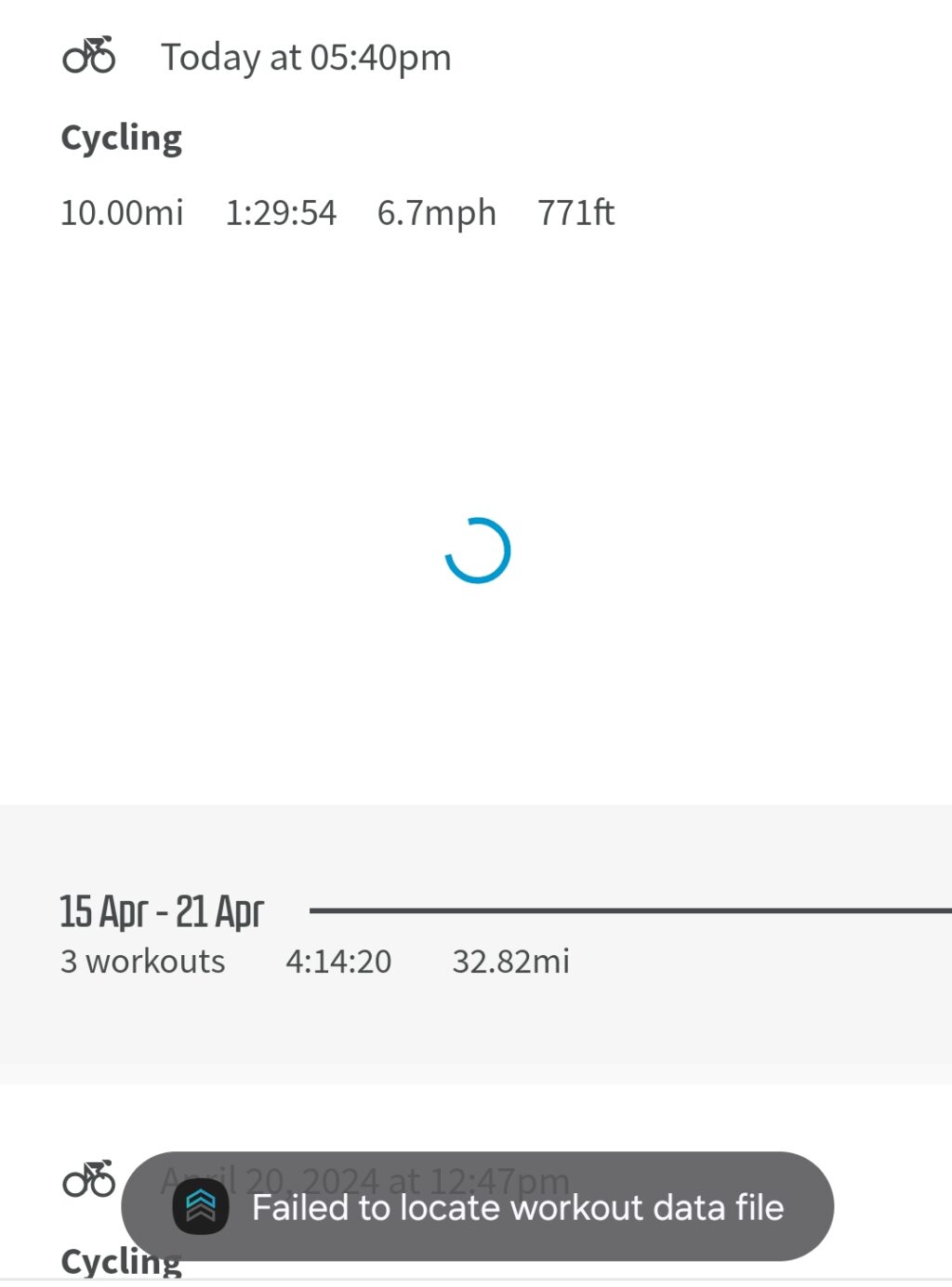
Prerequisite: Download and install Android SDK Platform Tools. Windows, Mac and Linux options are available.
- Extract the downloaded platform tools zip file to your desktop.
- Connect your Wahoo devices to the computer via USB.
- Open the ELEMNT app on your phone and make sure the Wahoo is paired.
- Open a Command Line or PowerShell window where you extracted the folder.
- If you extracted the folder to your desktop it would be “C:\Users\YourUsername\Desktop\platform-tools”
- Run
.\adb devicesThis is to verify adb can see the Wahoo device.
- Run
.\adb shell ls -l /data/media/0/exports. This will output a list of all the rides stored on the Wahoo. Hopefully you will see your deleted ride in the list.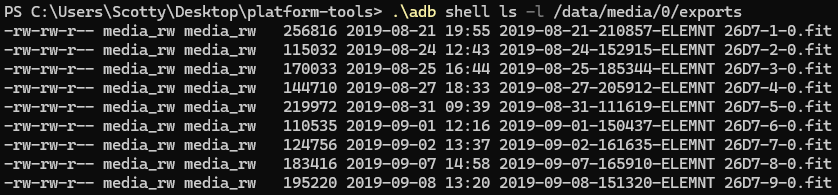
- Run
.\adb pull /data/media/0/exports ./wahoo_exports. This will export all of the rides to a folder called wahoo_exports in the platform-tools folder on your desktop. - Upload the recovered file to Strava or appropriate platform.